September 12, 2019

#mustreadin2019 fall update


This is my #mustreadin2019 fall update.  I love participating in this reading challenge hosted by Carrie Gelson of There's a Book for That because it connects me with a community of readers and encourages me to read newly released books to share with my students.  In January, I created my #mustreadin2018 reading goals.  As a reminder, here they are:


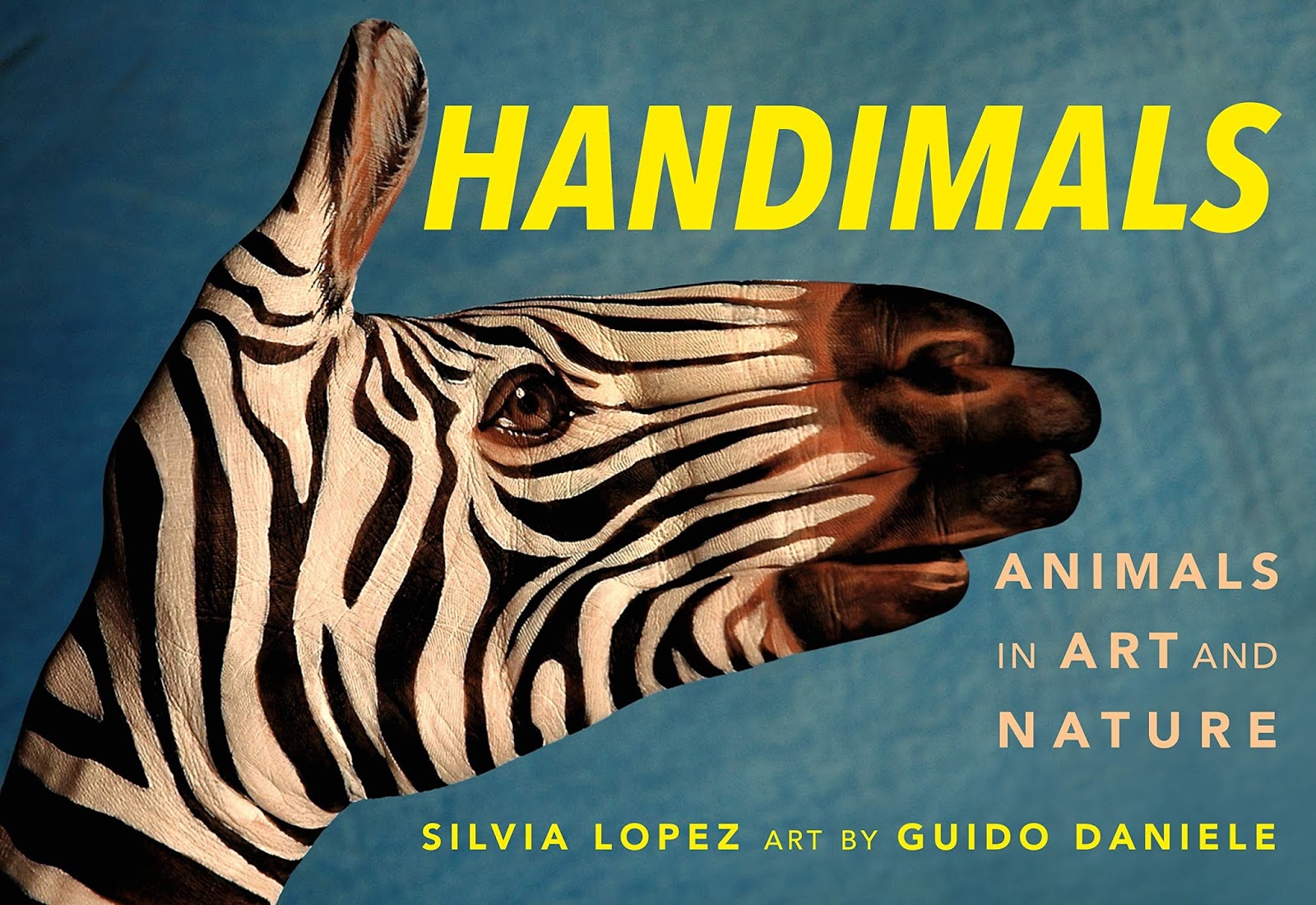
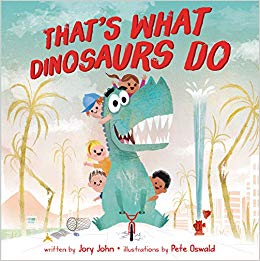
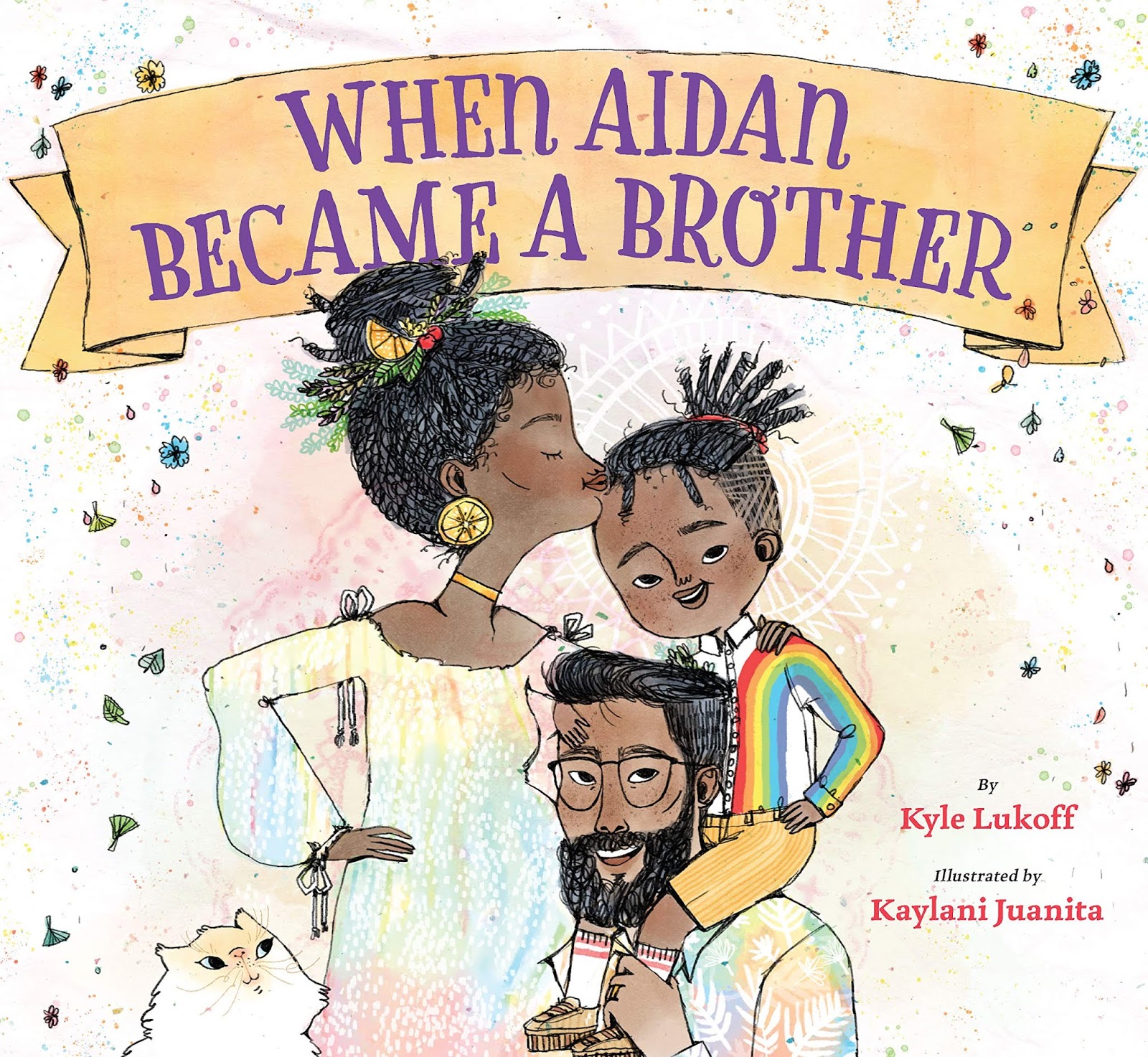
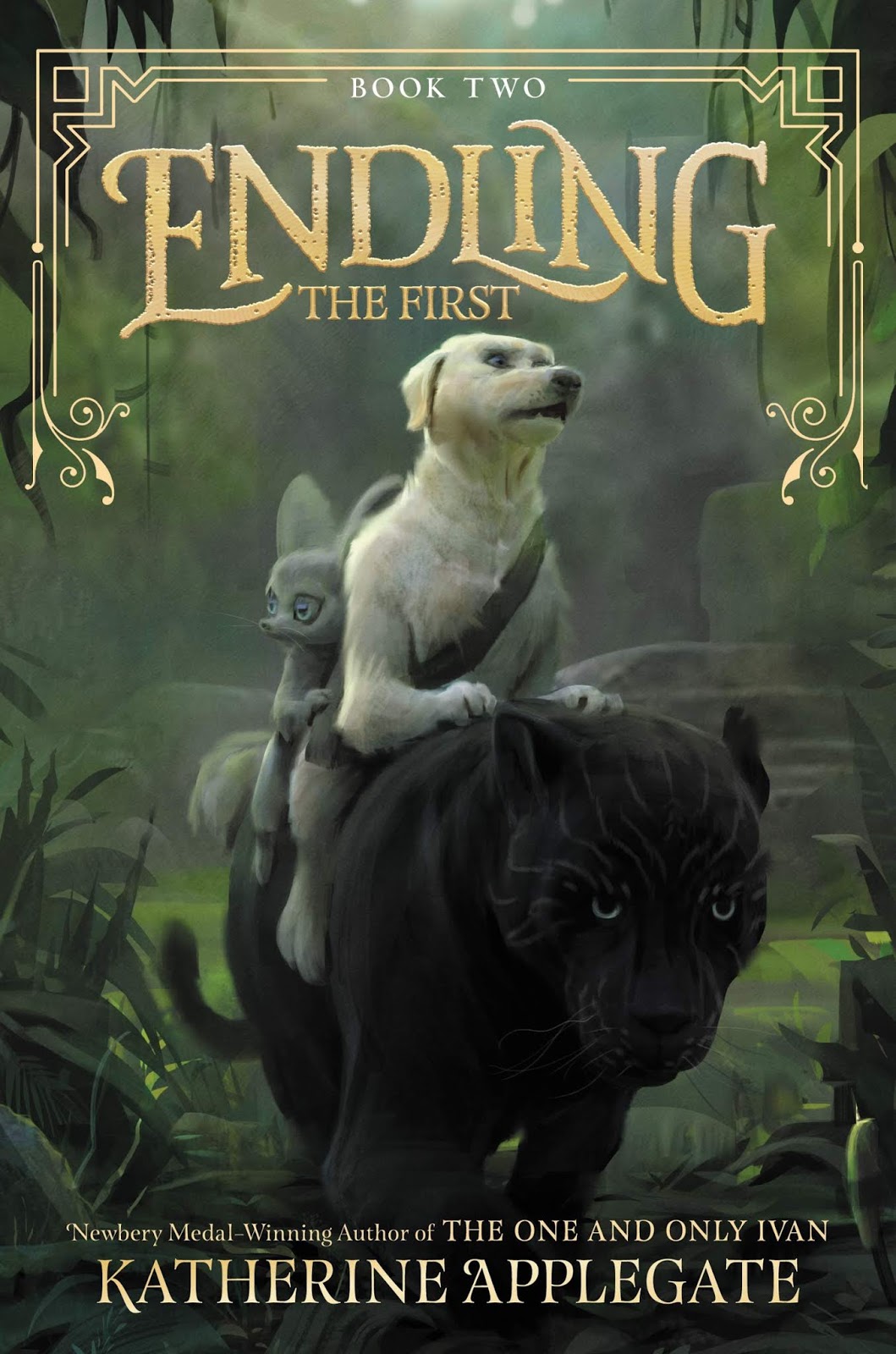
So far, I've read (or I'm currently reading) almost all of the newly released titles on my list  - plus A LOT of additional new titles!  To see the #mustreadin2019 books that I read from January to April, click here.   I'll be back in December for a final reading update.  For now, below are my lists of the new picture books and chapters books that I've read in 2019 since April:

Picture Books I Read - #mustreadin2019 (April-Sept)


Chapter Books I Read - #mustreadin2019 (April-Sept)


August 10, 2019

My #pb10for10 - Picture Books That Make You LOL


I’m thrilled to be joining the #pb10for10 fun again this year!  Many thanks to the wonderful hosts: Cathy Mere (Reflect and Refine), Mandy Robeck (Enjoy and Embrace Learning).  I enjoy the challenge of creating a meaningful list for myself and others, as well as reading all the wonderful lists posted by the community.  

My past #10for10 book collections are:

Who doesn't love a good laugh?! Last February, my #nf10for10 was a list of informational books that make you laugh out loud (LOL). To piggyback on the topic, my #pb10for10 is a list of fiction picture books to make you LOL.  These comical books are silly, witty, and a side-splitting good time! 


1. Llama Destroys the World by Jonathan Stutzman


2. P is for Pterodactyl by Raj Hadar


3. Guess Again by Mac Barnett


4. You Don't Want a Unicorn by Ame Dyckman


5. We Don't Eat Our Classmates by Ryan T. Higgins


6. We Are In a Book by Mo Willems


7. The Book With No Pictures by B.J. Novak


8.  Dog Breath by Dav Pilkey


9. Carnivores by Aaron Reynolds


10. I Love Lemonade & Baa Baa Smart Sheep by Mark & Rowan Sommerset


July 1, 2019

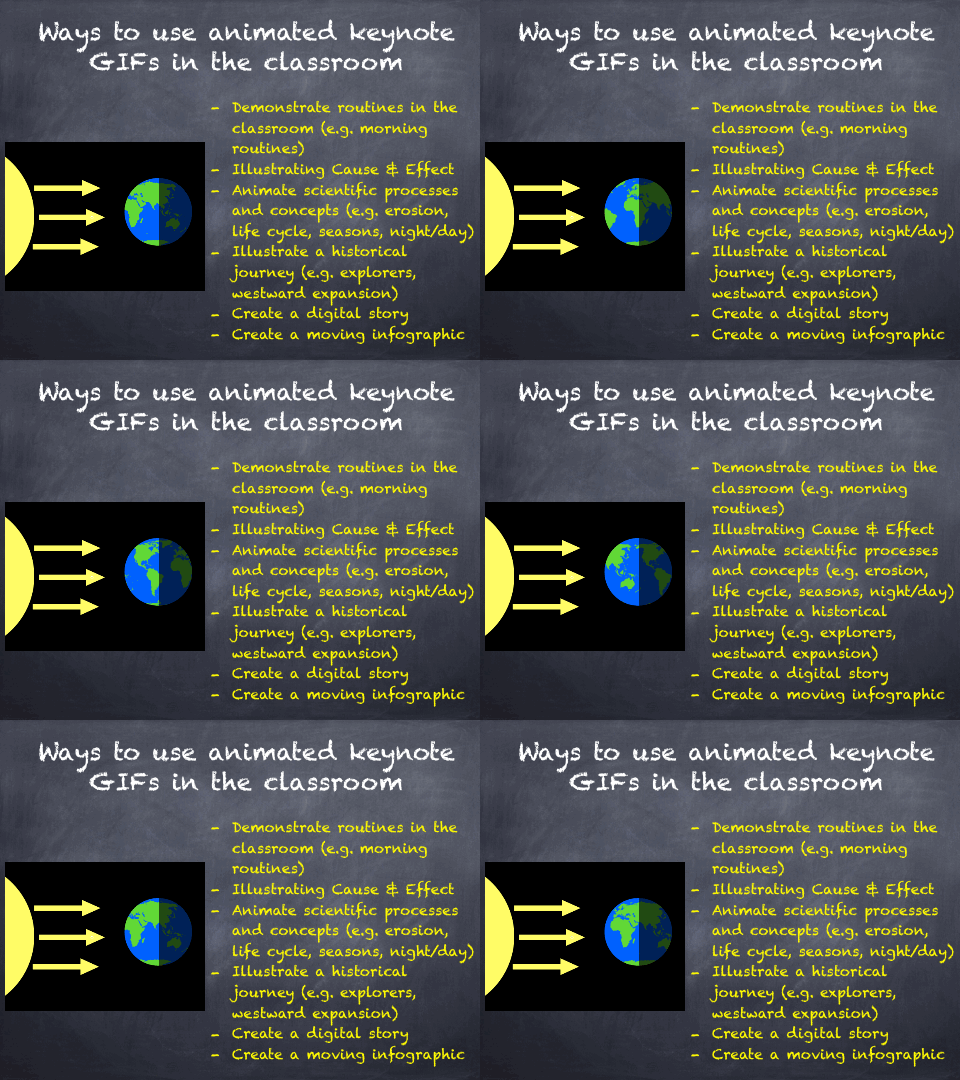
Three Ways to Make a GIF for Teaching & Learning


Are you ready to learn in a GIFY?  Well, let’s GIF to it!  

Okay, okay . . . I'll stop with the jokes. The information from this blog post is from a presentation I did with my awesome teaching pal, Kristen Pavlasek. GIFs are often seen on social media, but they can be a powerful tool in education. This blog will teach you three ways to create GIFs and how they can be used for teaching and learning.  


* Recommended: iPad, Keynote app, Apple pencil 


June 9, 2019

My 2018-2019 School Year Reflection

Like most teachers, I strive to learn and do more with my students.  This was a big year of growth for me.  I explored student voice, augmented reality, and deepened my understanding of iPad and Apple app integration.  This is my 2018-2019 school year reflection.


Let me hear a “woot woot” for student voice!  This year, I became more involved with #studentvoice.  My students have Flipgrid fever, and to tell you truth . . .so do I!  Flipgrid is user-friendly and high-interest.  I’ve enjoyed using it with students and watching classroom teachers in my building embrace this tool.  We used it a lot to prep for our visit by the champion of student voice, Olivia Van Ledjte.  Her visit to our school sparked an increase in student voice, passion projects, discussions about #digital4good, and student empowerment to change the world.  Thank you, Liv, for your influence!  You are the definition of #KidsCanTeachUs


“This is SO cool!” said by a 5th grade student exploring AR.  I jumped into AR this year with the Merge Cube.  At a cost of only $15.00, this little guy is a big bang for your buck!  I used the Merge Cube with 5th graders this year.  We use the Galactic Explorer app to explore the solar system and even coded Ozobots to orbit Earth like the Moon.  I also introduced 5th graders to CoSpacesEDU where they designed virtual book reviews to view on a Merge Cube.  Thank you, Mary Howard, for sharing this fun AR creation!


It’s official . . . I have fallen down the Apple rabbit hole.  This year, I became an Apple Teacher and attended Apple Academy in Austin, TX to become an Apple Learning Specialist.  I’m blown away by the iPad’s impact on teaching and learning.  I did lessons with mark up, Clips, and Keynote animations.  These features and apps had a “wow factor” with students and staff and I can’t wait to do more.  Apple iPad and apps, you are a game changer!